Uniblox Launches PlanSource EOI Integration: Built for Insurance, Ready for Carriers
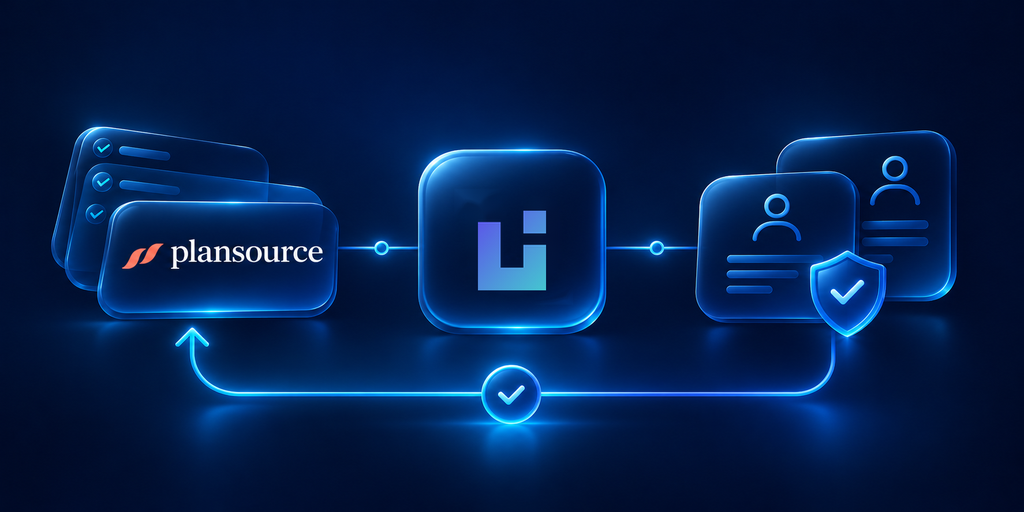
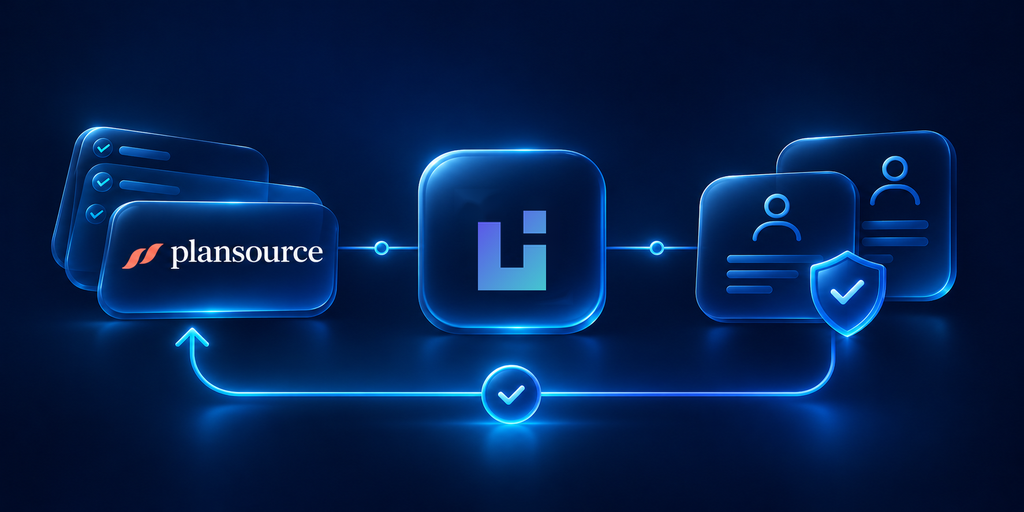
For insurance carriers serving employer groups on PlanSource, an employee’s benefit election is the beginning of a larger workflow. Coverage that requires Evidence of Insurability (EOI) must reach the appropriate application, move through underwriting, and return to PlanSource with the resulting decision.
Uniblox PlanSource integration is now live in production, connecting that journey. Rather than building and maintaining a separate PlanSource connection, carriers can use Uniblox's production-ready integration, configured for their products, underwriting rules, and employer groups.
Built Around How Insurance Enrollment Happens
Consider an employee finishing open enrollment. They increase their life coverage, select disability coverage issued under another policy, and enroll their spouse. Those choices happen together, but each brings different requirements into underwriting.
The spouse needs a separate application. Each coverage must remain associated with its policy. Existing life coverage must be distinguished from the increase being requested. When underwriting is complete, the outcome needs to return to the originating enrollment with the appropriate coverage amounts and effective date.
One Enrollment Handoff Across Multiple Policies
The integration carries employer, employee, dependent, enrollment-event, and coverage information together. Each coverage retains its policy number, insured person, in-force amount, and elected amount.
Uniblox expanded the existing handoff rather than splitting the election into separate transmissions by policy. Separate transmissions introduced a risk of duplicate applications and reconciliation work.
Group-configured routing maps benefit plan identifiers to carrier products and determines the appropriate application context. Application creation also distinguishes new-hire, open-enrollment, and qualifying life-event elections. Policy effective-date settings can follow the enrollment event type.
Separate Applications for Employee and Spouse
From the final page of their own application, the employee can start the spouse application with enrollment details already filled in. The spouse can continue the application through an emailed link.
Spouse-only elections are also supported. Applicants can supply or correct spouse email and employee or spouse phone details within EOI.
Coverage Amounts That Keep Their Meaning
Coverage handling must distinguish what is already insured from the total being elected. For example, an employee with $200,000 in-force life coverage elects $400,000 total coverage. The requested increase is $200,000. Adding the two incoming amounts would incorrectly produce $600,000.
For this implementation, the agreed handling returns $400,000 total coverage when the increase is approved. If the increase is declined, the existing $200,000 remains in place. Uniblox also extended total-benefit-amount handling to spouse decisions.
Different Products, Different Coverage Rules
Not every benefit election represents a fixed dollar amount, and different insurance products require different underwriting information.
Consider life insurance tied to salary. If an employee increases coverage from one times salary to three times salary, the requested increase is two times salary. The employee's salary, existing coverage, and plan rules determine the dollar amounts involved and whether Evidence of Insurability is required. A plan offering a fixed coverage amount follows different rules.
Disability products adds another layer. Covered earnings used to calculate premiums are not necessarily the same as the monthly disability benefit. Depending on the plan, underwriting may determine eligibility for coverage rather than approve an incremental dollar increase, as with life insurance.
Uniblox preserves these product-specific distinctions so elections are interpreted correctly, applications receive the appropriate coverage information, and underwriting decisions return to PlanSource in the format each product requires.
Decisions Returned to PlanSource
The integration automatically transmits underwriting decisions to PlanSource when available, including employee and spouse benefit amounts and coverage-level policy information. Employee identification and coverage context associate each decision with the originating enrollment.
PlanSource supplies the enrollment effective date, and the underwriting effective date returned with the decision is treated as final.
For benefits administration and HR teams, the outcome reaches the platform where the election began.
Configuring the Integration for Your Carrier
Carrier onboarding establishes the applicable product mappings, employer groups and policies, application routing, and workflow settings. Configuration can also cover employee and spouse questions, the details applicants may correct, and decision transmission.
Uniblox supports additional parameters and customizations where required and maintains the integration over time. Implementation focuses on the carrier’s products and operating requirements within the existing connection.
See the PlanSource Integration in Action
Your products. Your underwriting rules. One production-ready PlanSource integration. Book a demo today.
FAQs
Does Uniblox connect carriers to other benefits administration platforms besides PlanSource?
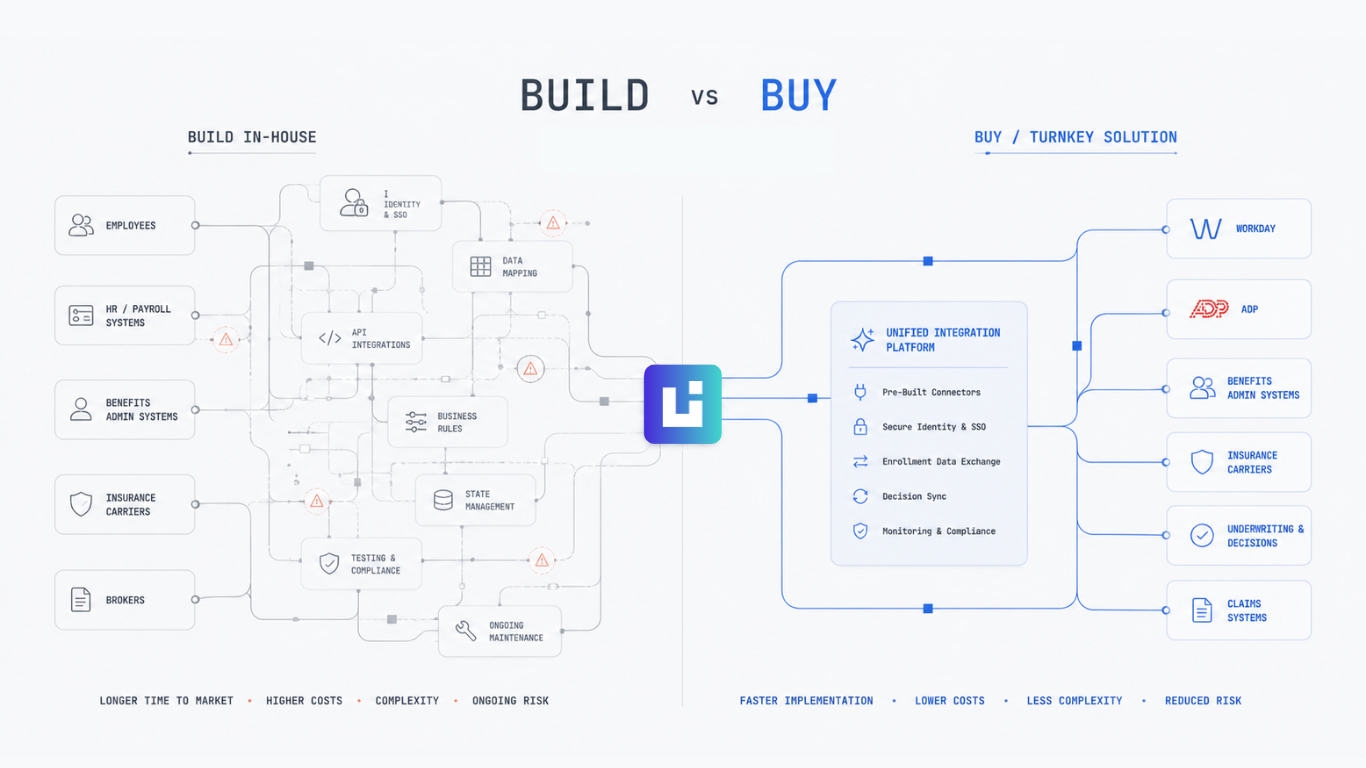
Yes. Uniblox also builds and maintains EOI integrations with ADP, Workday, Businessolver, bswift and Selerix, so a carrier can work the same way across employer groups on different platforms. For what a full carrier integration covers, read What a Turnkey ADP Integration Looks Like for Voluntary Benefits Carriers.
Is a PlanSource EOI integration worth replacing a file-based process?
With files, EOI usually starts only after enrollment data reaches the carrier, so employees are contacted again and decisions are matched back by hand. A connected process starts EOI while the employee is still enrolling. For the cost side of the decision, read Build In-House or Buy? Here’s What Voluntary Benefits Integration Really Costs.
Can a carrier use its own EOI questions with the PlanSource integration?
Yes. Employee and spouse questions are mapped to each carrier during onboarding, so applicants answer the carrier’s own questions rather than a generic set.
Is Uniblox’s PlanSource integration secure?
Uniblox has completed a SOC 2 Type II examination, and the PlanSource integration runs on the same platform as every Uniblox integration.
Does automated decision return mean immediate underwriting?
No. The integration transmits an underwriting outcome when it becomes available. The time needed to reach that outcome depends on the application and underwriting process.